
CloudPilot AI Now Supports MCP: Bring CloudPilot Insights to Your AI Assistant
 CloudPilot AIEngineering TeamPublishedSep 2, 2026Read6 min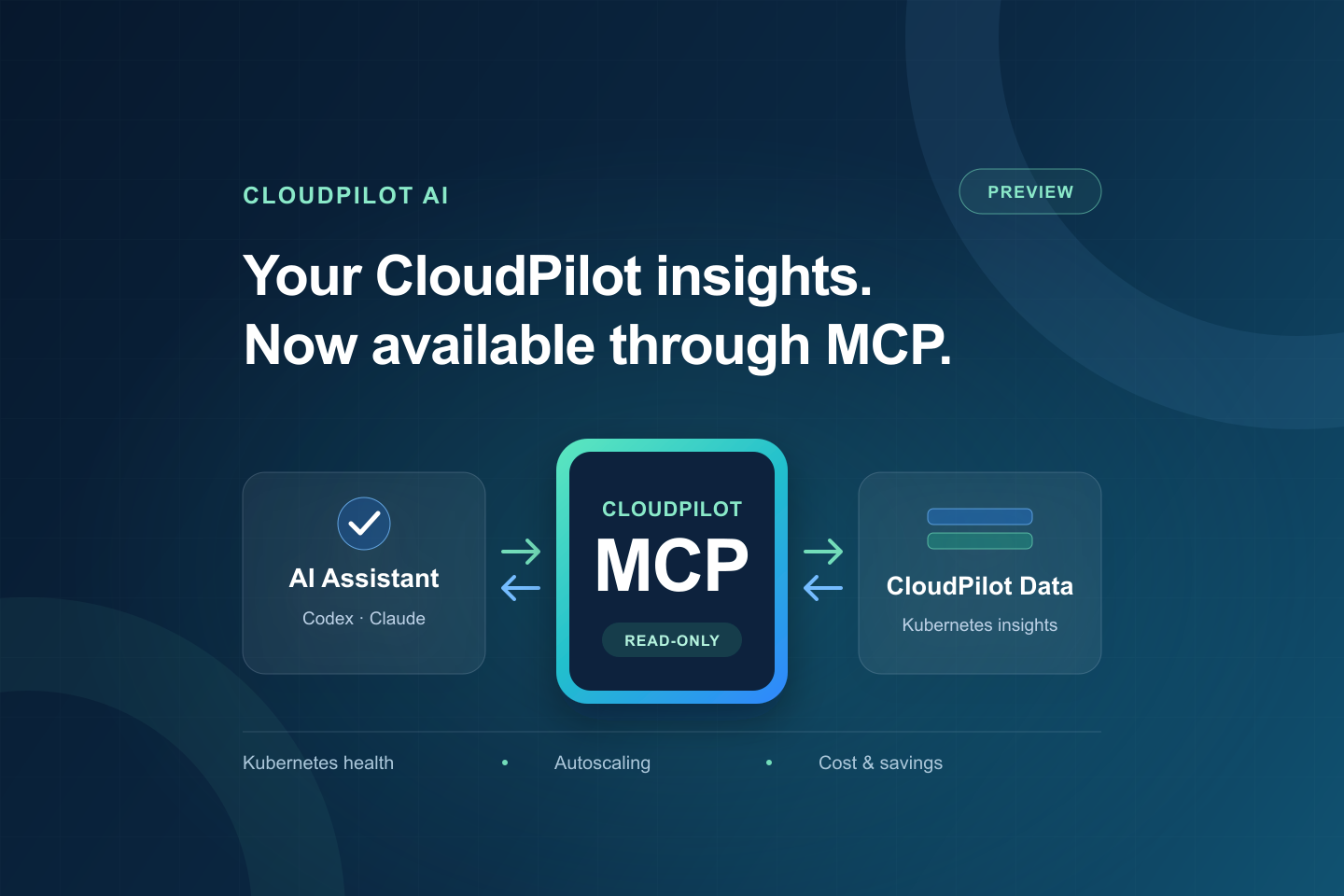
CloudPilot AI now supports the Model Context Protocol (MCP), giving AI assistants a secure way to work with the operational and optimization data available in CloudPilot.
CloudPilot MCP is currently available in preview. The preview is designed to help customers explore AI-assisted investigation with their own CloudPilot data while we continue expanding capabilities and refining the experience. Tool coverage and response formats may evolve during this stage.
You can connect Codex, Claude Code, or another compatible MCP client and ask questions about your clusters in natural language. Instead of copying values from dashboards or switching between multiple tools, your assistant can retrieve the information CloudPilot has collected and help you investigate it in context.
The connection is remote, OAuth-protected, and read-only.
Bring CloudPilot Insights into the Conversation
General-purpose AI assistants understand Kubernetes, but they do not automatically know what CloudPilot has observed about your environment. Without a trusted data connection, they can only reason from the values, reports, or screenshots you manually provide.
CloudPilot MCP closes that gap. Once authorized, your assistant can retrieve information available in the CloudPilot organizations you select, including:
- Cluster inventory, status, provider, region, and version details
- Current and historical CPU and memory capacity, requests, and usage
- Cluster health, active alerts, Pod readiness, zones, and PVC utilization
- Nodes, NodePools, NodeClasses, and Node Autoscaler configuration
- Optimization plans, controller events, and NodeClaim events
- Workload Autoscaler metrics and recommendations
- Cluster cost, optimization opportunities, and 7-day or 30-day saving reports
CloudPilot MCP does not provide general Kubernetes API access or expose arbitrary in-cluster data. Its scope is limited to the information CloudPilot collects and makes available through the platform.
This makes the assistant useful for both quick questions and deeper investigations. For example:
- "Which clusters have the largest optimization opportunities?"
- "Summarize the health and active alerts for this cluster."
- "Compare requested and used CPU over the last seven days."
- "Show me the NodePools and explain the important scheduling constraints."
- "Review recent provisioning events and help me understand why scale-out failed."
- "Summarize the last 30 days of realized savings."
CloudPilot returns structured results with timestamps, source status, and warnings. If part of a response is unavailable, the assistant can distinguish incomplete evidence from a healthy result instead of silently filling in the gaps.
Practical Use Cases
Create a Node Optimization Report in Notion
Combine node inventory from CloudPilot MCP with read-only kubectl output you provide about Pods with migration protection. The assistant can match the two sources by node name and turn them into a concise report: instance type, Spot or On-Demand capacity, optimization candidates, and the protected Pods blocking each node.
The report can also group blockers by Deployment or StatefulSet, making it easier to review which workloads need attention. Ownership inferred from Pod names should be labeled as inferred until confirmed through Kubernetes owner references. A node without a detected blocker is a candidate for further evaluation; it is not proof that migration is feasible or that savings will follow.
For example:
Combine CloudPilot node inventory with the kubectl output I provided. Create a Notion report with a node status table and a summary of blocking workloads. Show the evidence timestamp and clearly label inferred ownership and any checks still needed.
Publishing requires a separately connected, authorized Notion integration. CloudPilot MCP supplies the CloudPilot data; the supplied kubectl output adds Kubernetes evidence, and the Notion integration writes the report.
Summarize Daily Cluster Changes with Codex
Use Codex to turn CloudPilot observations into a short daily cluster digest. Focus on meaningful changes in health, alerts, capacity, resource usage, and optimization opportunities, followed by practical next actions.
For example:
Review my clusters through CloudPilot MCP each morning. Compare the latest observations with the previous digest when available. Summarize what changed, what needs attention, and the next actions to consider. Call out missing or stale data, and avoid repeating unchanged details.
Start by testing the prompt in a regular task. For recurring delivery, use a scheduled task where available, with the required CloudPilot connection configured. Local scheduled runs require the computer and desktop app to remain running. Without a previous digest or historical evidence, the assistant should report a current snapshot rather than claim a change.
Secure by Default
CloudPilot MCP uses OAuth 2.1 and the dedicated cloudpilot:mcp:read permission. You sign in with your CloudPilot account and explicitly choose which organizations the connection can access.
The integration is designed around a narrow security boundary:
- All available CloudPilot MCP tools are read-only.
- No cloud credentials are shared with the AI client.
- No API key or custom authorization header is required.
- Access is limited to the organizations approved during authorization.
- Connected clients can be reviewed and revoked from CloudPilot at any time.
This means your assistant can inspect CloudPilot data and help explain what it finds, but it cannot change cluster configuration or trigger optimization actions through MCP.
Connect Codex
Open Settings > MCP in the CloudPilot console, then run:
codex mcp add cloudpilot --url "https://mcp.cloudpilot.ai/mcp"
Codex detects the OAuth flow automatically. Complete the authorization in your browser, choose the CloudPilot organizations you want to share, and start a new task.
You can then ask Codex questions such as:
Use CloudPilot to list my organizations and clusters, then summarize the clusters that need attention.
Connect Claude Code
Run:
claude mcp add --transport http --scope user cloudpilot "https://mcp.cloudpilot.ai/mcp"
Open Claude Code, run /mcp, and complete the CloudPilot authorization flow.
Connect Another MCP Client
For another client that supports remote MCP servers, use:
Name: cloudpilot
Transport: Streamable HTTP
URL: https://mcp.cloudpilot.ai/mcp
Authentication: OAuth 2.1
Scope: cloudpilot:mcp:read
Field names vary by client, but compatible clients should discover the CloudPilot OAuth flow automatically after the server is added.
What’s Next
The current preview focuses on safe, read-only access to information already available in CloudPilot. We plan to expand CloudPilot MCP in several directions:
- Knowledge-backed responses. Combine CloudPilot observations with product knowledge, operational guidance, and proven troubleshooting practices so assistants can explain findings, identify likely causes, and suggest useful next steps—not just return raw values.
- Plugin support. Provide reusable CloudPilot plugins and guided workflows that make common SRE and FinOps tasks easier to discover and run from supported AI assistants.
- Controlled configuration writes. Extend MCP beyond investigation to selected CloudPilot configuration changes. Write operations will be narrowly scoped and designed with explicit user confirmation, fine-grained permissions, validation, and an audit trail. This will not mean unrestricted access to the Kubernetes API.
- Broader CloudPilot coverage. Continue exposing more of the information and workflows available in CloudPilot while keeping response size, freshness, permissions, and partial-result status clear.
These capabilities are planned for future iterations and are not part of the current read-only preview.
From Dashboard Data to Faster Decisions
CloudPilot MCP is not a general-purpose connection to your Kubernetes API. It gives your assistant controlled access to the operational and optimization information already available in CloudPilot, while preserving organization boundaries and read-only permissions.
The result is a shorter path from question to evidence. An SRE can investigate a cluster alert, a platform engineer can review provisioning behavior, and a FinOps team can understand cost and savings context without manually assembling the data for every conversation.
CloudPilot MCP is available now in preview. Visit Settings > MCP to connect your AI assistant.
Related articles

Introducing Spot Insights Chrome Extension: Smarter Spot Instance Decisions!
Spot Insights, a free tool to help developers and cloud practitioners make informed decisions about spot instances, releases the chrome extension!
CloudPilot AI·3 min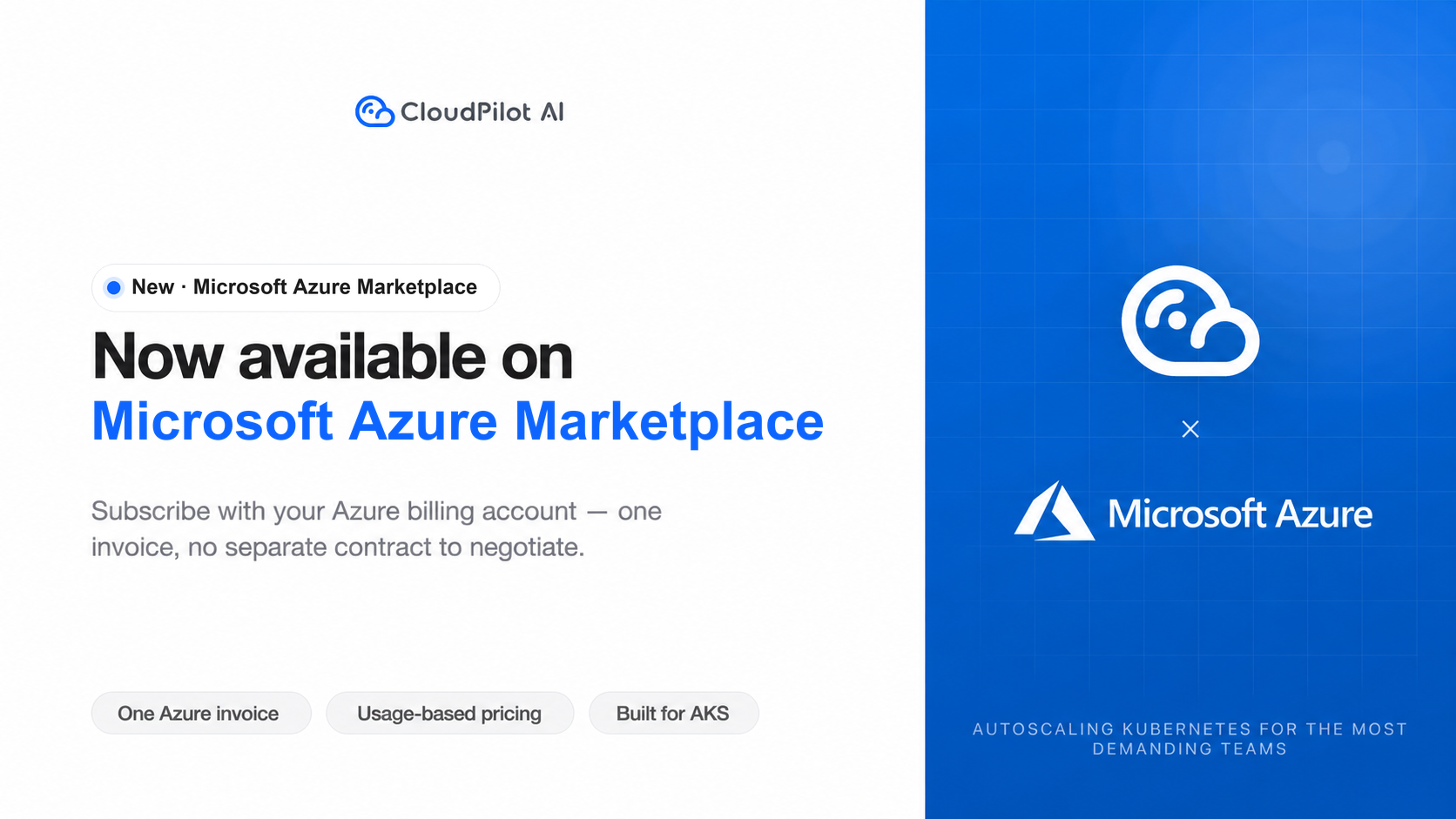
CloudPilot AI Is Now Available on Microsoft Azure Marketplace
AKS teams can now subscribe to CloudPilot AI on Microsoft Azure Marketplace with the Azure billing account they already use: one Azure invoice, usage-based pricing, and no separate contract to negotiate.
CloudPilot AI·3 min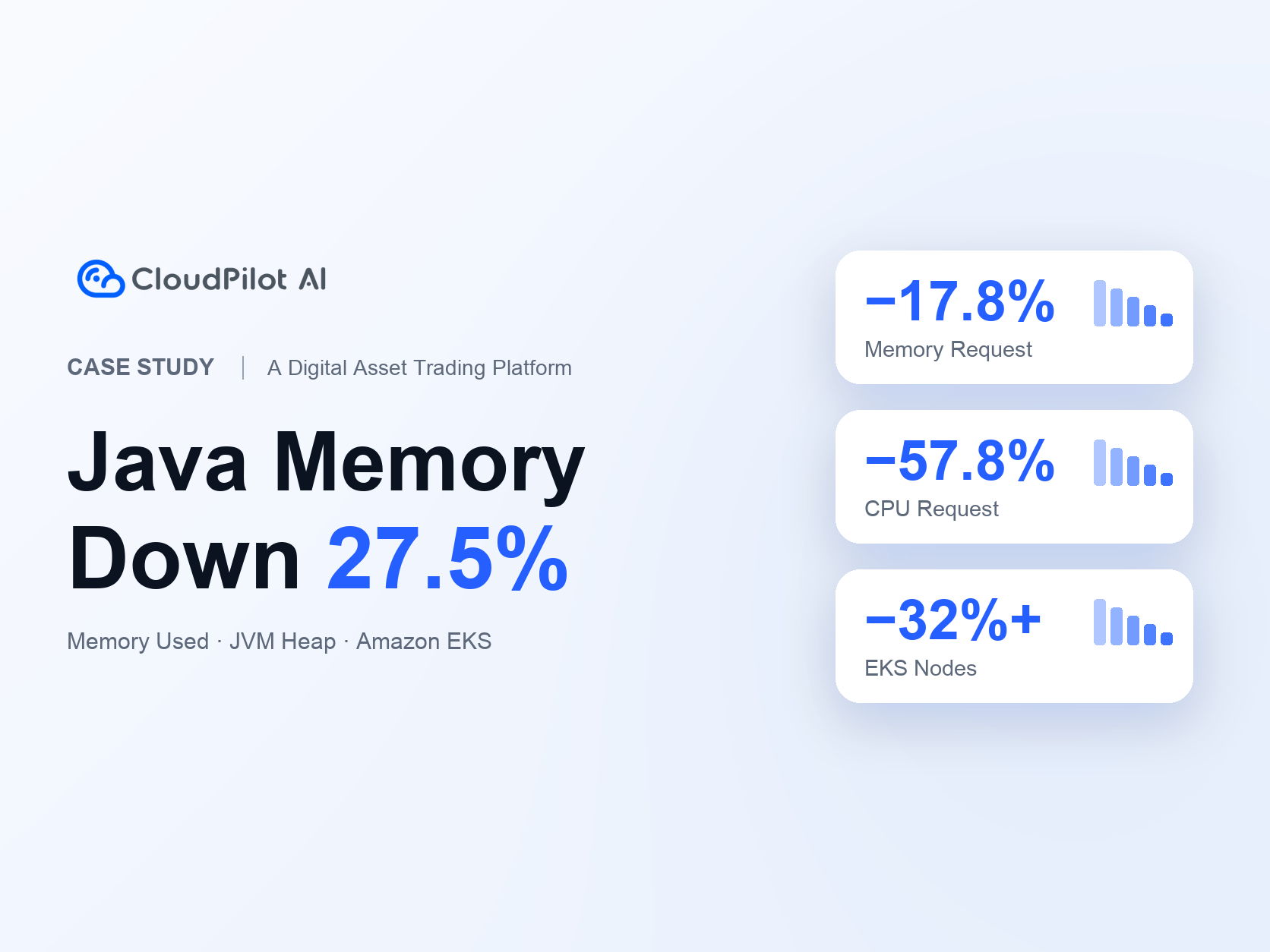
A Digital Asset Trading Platform Optimizes Java Services: Memory Usage Down 27.5%, EKS Nodes Down 32%+
A digital asset trading platform uses CloudPilot AI to align Java memory and Kubernetes resource requests with application demand, reducing Java Memory Used by 27.5%, Java Memory Request by 17.8%, CPU Request by 57.8%, and EKS node count by 32%+ alongside its existing Karpenter setup.
CloudPilot AI·8 minThe Kubernetes Autoscaling Brief
Once a month: what we see in the Spot market, one real cluster torn down, and what shipped.
No spam. Unsubscribe anytime.