
When Resource Requests Drive You Nuts: Real Stories from the Kubernetes Community
Kubernetes promises flexibility and efficiency, but for many engineers, managing resource requests and limits feels less like fine-tuning a powerful machine and more like wrestling with a stubborn bureaucracy.
If you've ever stared at an empty-looking cluster that refused to schedule a single Pod, or wondered why a supposedly "idle" workload was throttled into misery, you're not alone.
The Kubernetes community has been vocal about these frustrations. On Reddit, threads like "Pod requests are driving me nuts" have drawn dozens of engineers venting about resource misconfigurations, weird scheduler decisions, and even Vertical Pod Autoscaler (VPA) recommendations that seemed determined to crash their apps.
In this post, we'll highlight some of these real stories, show the YAML behind them, and suggest a few guardrails for staying sane.
Story 1: "My Pods Are Idle but Still Throttled"
One engineer couldn't figure out why their Pods, which showed low CPU usage, were still performing poorly. It turned out CPU limits were the culprit. Even if a Pod is underutilizing resources, hitting the limit can trigger throttling.
The YAML culprit:
apiVersion: v1
kind: Pod
metadata:
  name: throttled-app
spec:
  containers:
    - name: app
      image: my-app:latest
      resources:
        requests:
          cpu: "500m"
          memory: "256Mi"
        limits:
          cpu: "500m"   # hard cap == request
          memory: "256Mi"
Here, the request equals the limit. The CPU scheduler doesn't allow bursts, so even brief spikes cause throttling.
A better approach:
resources:
  requests:
    cpu: "500m"
    memory: "256Mi"
  limits:
    cpu: "1"         # allow burst above baseline
    memory: "512Mi"
Story 2: "VPA Made My Cluster Explode"
Another post described how the Vertical Pod Autoscaler (VPA) recommended values that looked good on paper but destabilized workloads. In some cases, memory requests ballooned, causing the scheduler to evict other Pods.
Example YAML (what VPA might generate):
resources:
  requests:
    cpu: "4"       # way higher than actual baseline
    memory: "8Gi"  # overestimation leads to wasted nodes
Suddenly, every Pod wanted to be heavyweight, and the cluster couldn't pack workloads efficiently.
Mitigation:
- Run VPA in recommendation mode first:
updatePolicy:
  updateMode: "Off"   # only suggest, don't apply
- Cross-check recommendations with real metrics (Prometheus, Datadog, etc.).
Story 3: "The Scheduler Plays Tetris With My Requests"
A common frustration is Pods staying Pending because requests don't match available node shapes. A Reddit user shared how a slightly oversized memory request left Pods unschedulable even though plenty of resources were available in aggregate.
The unschedulable Pod:
resources:
  requests:
    cpu: "200m"
    memory: "5Gi"   # no node had exactly this much free memory
Meanwhile, the cluster had lots of 2–3Gi gaps that went unused.
Lesson learned: Requests aren't about total cluster capacity, but about fitting into a node. It's like packing luggage into overhead bins: a suitcase that's just a bit too large won't fit, even if the plane is half-empty.
Story 4: "Balancing Guardrails and Reality"
Some engineers confessed they simply set identical requests and limits for everything — not out of best practice, but out of desperation. It's easy, but often harmful: you lock Pods into rigid shapes, block scheduling flexibility, and guarantee throttling.
Instead, a few pragmatic rules help:
- Start small: Requests should reflect baseline steady-state usage.
- Use limits sparingly: Only when you need hard protection (e.g., multi-tenant environments).
- Observe and iterate: Metrics-driven tuning beats guesswork.
Conclusion: Balancing Control and Chaos
Kubernetes resource management was designed to bring fairness and predictability. But as the Reddit community shows, it often feels like the opposite: waste, throttling, and unpredictability.
The takeaway? Don't blindly follow defaults or "best practices." Listen to stories from engineers who've fought with requests, limits, VPA, and QoS in production. Then combine that hard-earned community wisdom with your own metrics and testing.
Resource requests may still drive you nuts, but at least you'll know you're not alone—and now, you can also bring in CloudPilot AI to help tame the chaos.
CloudPilot AI Workload Autoscaler recommends and adjusts Kubernetes CPU and memory requests using historical usage, real-time metrics, and configurable policies.
Contact our team to discuss resource optimization for your workloads.
Related articles
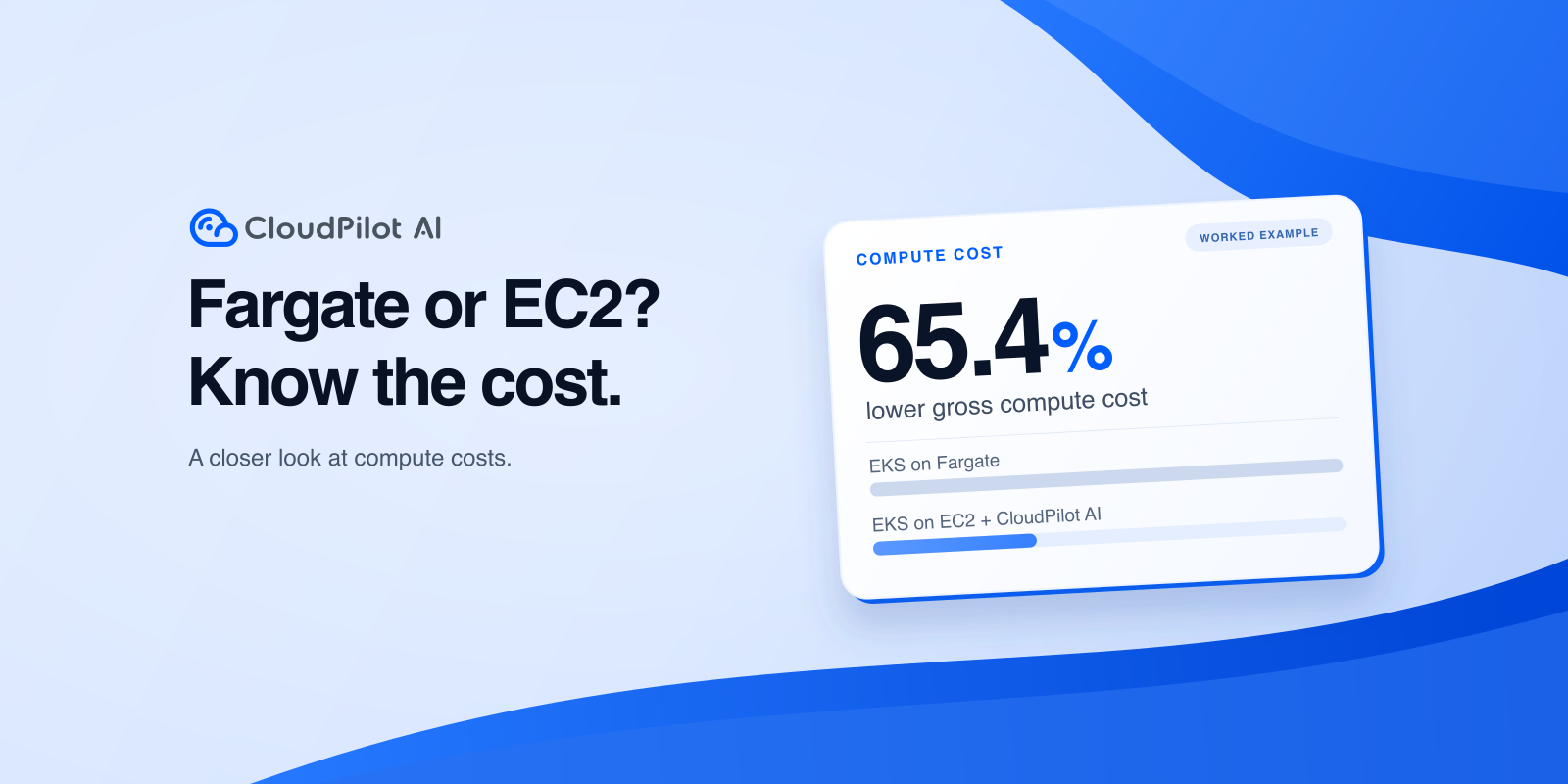
AWS Fargate vs EC2 for EKS: Which Is Cheaper?
Compare EKS on Fargate and EC2 billing, CPU requests and limits, and a worked cost example to decide whether EKS + CloudPilot AI fits your services.
 CloudPilot AINov 9, 20269 min

Memory Extension in Practice: Reducing OOM Risk During Memory Spikes
EKS tests show how CloudPilot AI Memory Extension can absorb memory spikes, when swap increases request latency, and how to configure NodeClass and NodePool.
CloudPilot AINov 4, 202610 min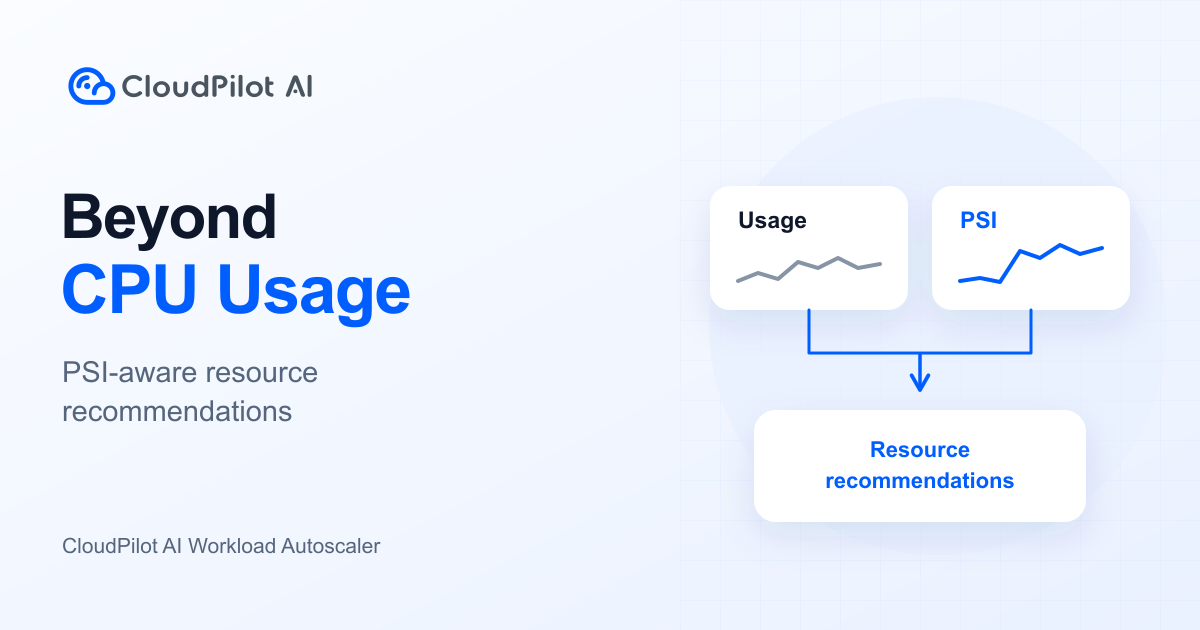
CPU Usage Looks Low. Why Is Your Application Still Slow?
CPU usage shows consumption, not waiting. Learn how CloudPilot AI Workload Autoscaler combines usage, PSI, and resource policies to right-size workloads.
CloudPilot AIOct 30, 20267 minThe Kubernetes Autoscaling Brief
Once a month: what we see in the Spot market, one real cluster torn down, and what shipped.
No spam. Unsubscribe anytime.