
Kubernetes VPA: Limitations, Best Practices, and the Future of Pod Rightsizing
 CloudPilot AICloudPilot AIPublishedSep 2, 2025Read4 min

As Kubernetes adoption continues to grow across industries and regions, optimizing workloads for cost efficiency and reliability has become a universal challenge. Over-provisioning pods wastes cloud budgets, while under-provisioning risks outages and poor customer experience.
The Vertical Pod Autoscaler (VPA) was designed to simplify this process by automatically adjusting pod CPU and memory settings. While helpful, VPA has clear trade-offs—especially for teams running multi-region clusters, multi-cloud workloads, or latency-sensitive applications.
In this article, we’ll explore how VPA works, its most significant limitations, and best practices for scaling Kubernetes workloads effectively while looking ahead at the next evolution of pod optimization.
What is Kubernetes VPA ?
The VPA is a Kubernetes component that analyzes pod resource usage and adjusts CPU and memory requests to match workload needs.
Unlike the Horizontal Pod Autoscaler (HPA), which adds or removes pod replicas to handle scaling, VPA focuses on optimizing the resource allocation of individual pods.
VPA is often used for:
- Backend services with stable workloads
- Applications with fluctuating CPU or memory needs
- Environments where resource planning is complex or manual tuning is error-prone
For teams operating across regions or clouds, VPA offers baseline resource management automation. However, it has major limitations that can create operational friction at scale.
Key Limitations of VPA
1. Pod Restarts Cause Disruption
VPA adjusts CPU and memory requests and limits for pods by restarting them, which can cause disruptions, especially for critical or stateful applications, because pods must be evicted and recreated to apply changes.
2. Conflicts with HPA
When both HPA and VPA scale on the same metrics (CPU or memory), they can interfere with each other and even cause over-scaling.
3. Limited Scope of Metrics
VPA focuses only on CPU and memory, ignoring network, I/O, and other critical signals that matter for performance.
4. Short Historical Window
It typically analyzes only a few hours to eight days of data, making it blind to seasonal trends or longer-term workload patterns.
5. No Awareness of Cluster Architecture
VPA may recommend values exceeding node capacities, leaving pods stuck in a Pending state.
6. Poor StatefulSet Support
Stateful workloads require careful orchestration, which VPA’s restart model doesn’t handle gracefully.
7. Not Suitable for Real-Time Scaling
Since every change requires a restart, VPA reacts slowly to sudden traffic spikes.
8. Complexity and Tuning Overhead
Configuring VPA for production environments requires deep Kubernetes expertise, testing, and ongoing monitoring.
VPA’s challenges aren’t just theoretical but they represent real engineering trade-offs. Pod restarts can lead to customer-facing downtime, missed SLAs, and engineering frustration. The lack of awareness of historical patterns or node topology can lead to inefficiency and wasted resources.
In a world where Kubernetes clusters power critical workloads, these inefficiencies add up—both in cloud costs and operational complexity.
Best Practices for Running VPA Effectively

Run VPA in Recommend Mode
Let VPA provide recommendations instead of automatically applying changes. Combine it with HPA for scaling replicas, avoiding metric conflicts.
Separate Metrics Between VPA and HPA
Use VPA to tune CPU/memory requests, while HPA scales pods based on traffic or custom business metrics.
Use with Care for Critical or Stateful Workloads
Plan maintenance windows and design disruption budgets to minimize impact.
Set Reasonable Initial Requests and Monitor Closely
Provide sensible defaults and track VPA performance with Prometheus and Grafana.
Protect Service Availability with Pod Disruption Budgets
Prevent cascading restarts that could take down services.
Thorough Test Before Production Rollouts
Validate scaling thresholds and restart policies in staging environments first.
Implement Namespace-Level Resource Policies
Use LimitRanges and ResourceQuotas to cap excessive VPA recommendations.
The Future of Pod Rightsizing
Kubernetes VPA was an important milestone in automated resource tuning, but it’s no longer enough for today’s fast-moving, large-scale environments. The next generation of pod optimization should:
- Deliver real-time, zero-disruption adjustments without requiring pod restarts
- Use long-term data and predictive analytics to anticipate demand patterns
- Enable policy-driven, environment-aware scaling that aligns with business goals
- Simplify configuration for developers and platform engineers
VPA remains a valuable tool, but it’s far from a complete solution. By understanding its limitations and applying best practices, teams can unlock better efficiency and stability. With smarter, AI-driven solutions emerging, hassle-free, intelligent pod rightsizing is closer than ever.
Explore CloudPilot AI Workload Autoscaler for automated Kubernetes CPU and memory rightsizing, configurable policies, and integration with node autoscaling.
Join our Slack community or Discord to ask questions, share feedback, and discuss Kubernetes resource optimization.
FAQ
Q: Can VPA and HPA be used together?
Yes, but only if they scale on different metrics. Otherwise, they can conflict.
Q: Does VPA support StatefulSets?
Not natively. Stateful workloads are challenging due to the eviction model.
Q: Is VPA production ready?
Yes, but it requires testing, careful tuning, and guardrails.
Related articles
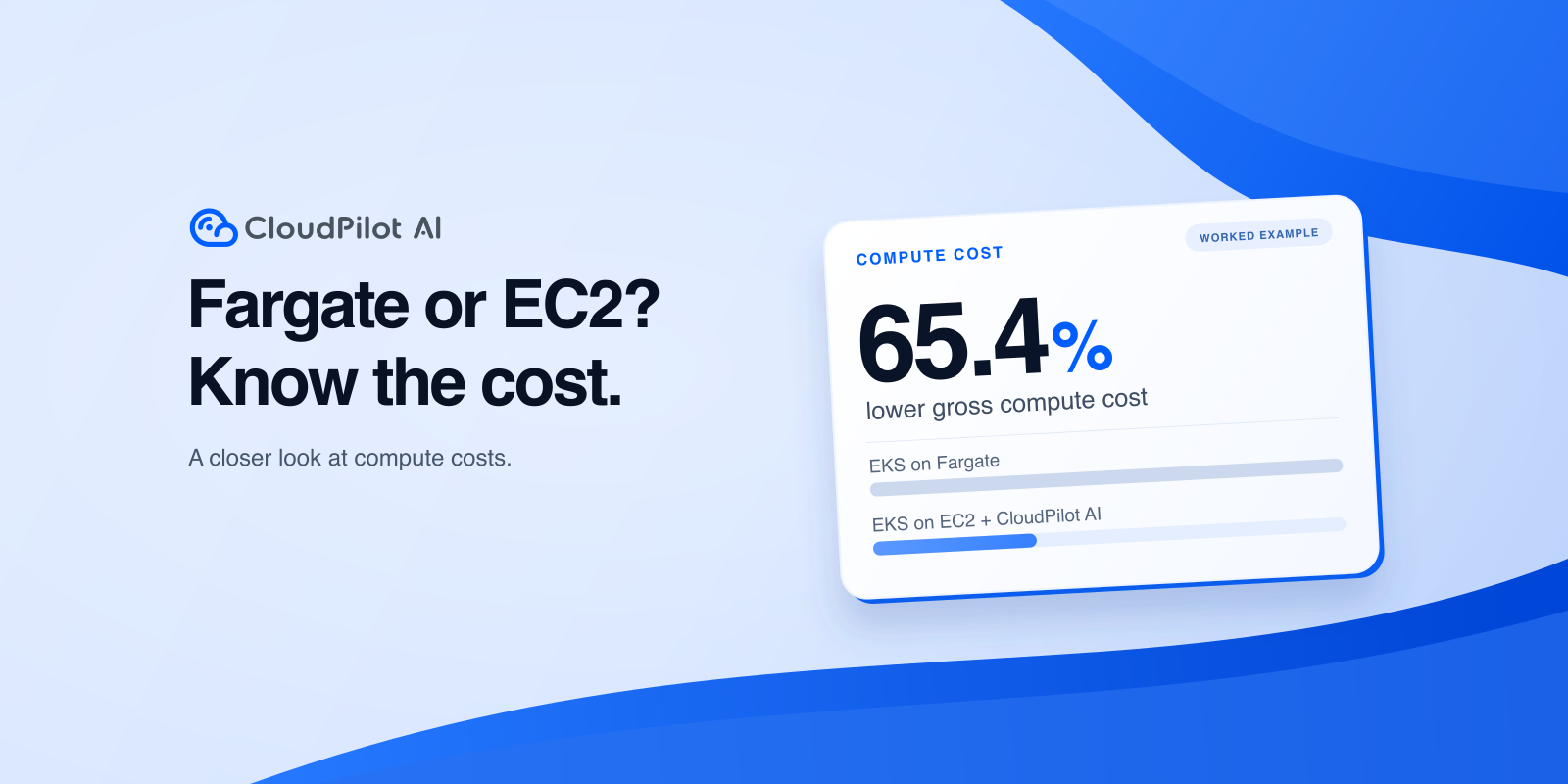
AWS Fargate vs EC2 for EKS: Which Is Cheaper?
Compare EKS on Fargate and EC2 billing, CPU requests and limits, and a worked cost example to decide whether EKS + CloudPilot AI fits your services.
CloudPilot AINov 9, 20269 min
Memory Extension in Practice: Reducing OOM Risk During Memory Spikes
EKS tests show how CloudPilot AI Memory Extension can absorb memory spikes, when swap increases request latency, and how to configure NodeClass and NodePool.
CloudPilot AINov 4, 202610 min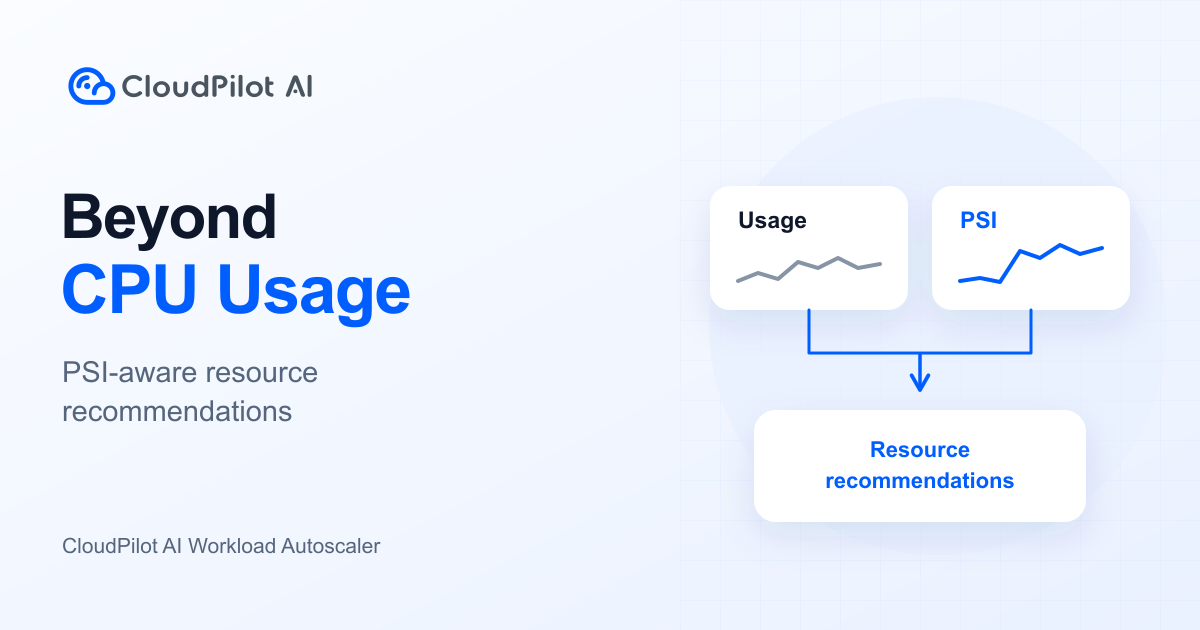
CPU Usage Looks Low. Why Is Your Application Still Slow?
CPU usage shows consumption, not waiting. Learn how CloudPilot AI Workload Autoscaler combines usage, PSI, and resource policies to right-size workloads.
CloudPilot AIOct 30, 20267 minThe Kubernetes Autoscaling Brief
Once a month: what we see in the Spot market, one real cluster torn down, and what shipped.
No spam. Unsubscribe anytime.