
CloudPilot AI Newsletter · November 2026
 CloudPilot AIMarketing TeamPublishedNov 17, 2026Read4 min
Right-size with HPA. Optimize more workloads. This month: right-size workloads alongside HPA, extend recommendations to recurring jobs and custom workloads, and give AI assistants more context. Explore Spot and memory improvements, plus practical guides to EKS costs and memory spikes.
In Focus: Right-size Workloads Alongside HPA
Workload Autoscaler can right-size Deployments and StatefulSets alongside HPA, protecting CPU or memory according to the HPA metric scope while optimizing unprotected resources. Custom, external or unknown metrics receive conservative protection; HPA and LimitRange read permissions are required.
How Workload Autoscaler coexists with HPA
Product Updates
Right-size CronJobs and Custom Workloads
Resource recommendations now cover CronJobs and namespace-scoped Workload Groups defined by Pod selectors, using observations across matching Pods. Review recommendations in off mode, or apply them at Pod creation with oncreate. Existing Pods are not resized or recreated by these targets.
CronJob and Workload Group support
Choose Spot Capacity with Better Signals
AWS can opt into Spot pools with longer observed node lifetimes, while retaining placement constraints and fallback allocation. This preference is off by default and does not guarantee future capacity. New GKE Spot nodes request advance preemption notice; Spot Handler detects GCE preemption events to start interruption handling.
Spot selection and interruption improvements
Give AI Assistants Context and Controlled Actions
Assistants can search CloudPilot AI docs, inspect Workload Autoscaler audit history, and read scheduling diagnostics. Connections stay read-only unless write access is explicitly approved. Approved writes support NodePool, NodeClass and autoscaling policy creation, plus supported cluster, placement and scheduled Rebalance updates, subject to existing organization permissions and audit logs.
MCP capabilities and access boundaries · SaaS Operation Audit Logs for organization actions
Plan Capacity Around Real Memory Needs
Configure AWS memory headroom and zero-request fallbacks to improve provisioning and Rebalance planning without changing Pod requests. Opt-in, workload-level Cold Memory observations help identify Memory Extension candidates on supported nodes.
Memory Extension requirements and configuration
More Reliable Scheduling and Telemetry
Scheduling fixes improve topology spread, DaemonSet overhead, host-port and in-place resize accounting across AWS, GKE and AKS, plus GKE image selection and failed-zone recovery and AKS subnet eligibility. Workload thresholds, shared rollout limits and OOM ceilings apply consistently. JVM telemetry recovers while preserving independently available metrics; dependencies, certificates and regional image mirrors are refreshed.
Upgrade Components and Permissions Together
Update components, CRDs and RBAC together. HPA-aware protection requires HPA and LimitRange read permissions that image-only upgrades do not add; follow the upgrade guide and installation requirements.
Component, CRD, and RBAC upgrade guide · Workload Autoscaler installation and permissions
Read the full 1.23.0 changelog
More Reading
120 Days and 8 Hours on AWS Spot
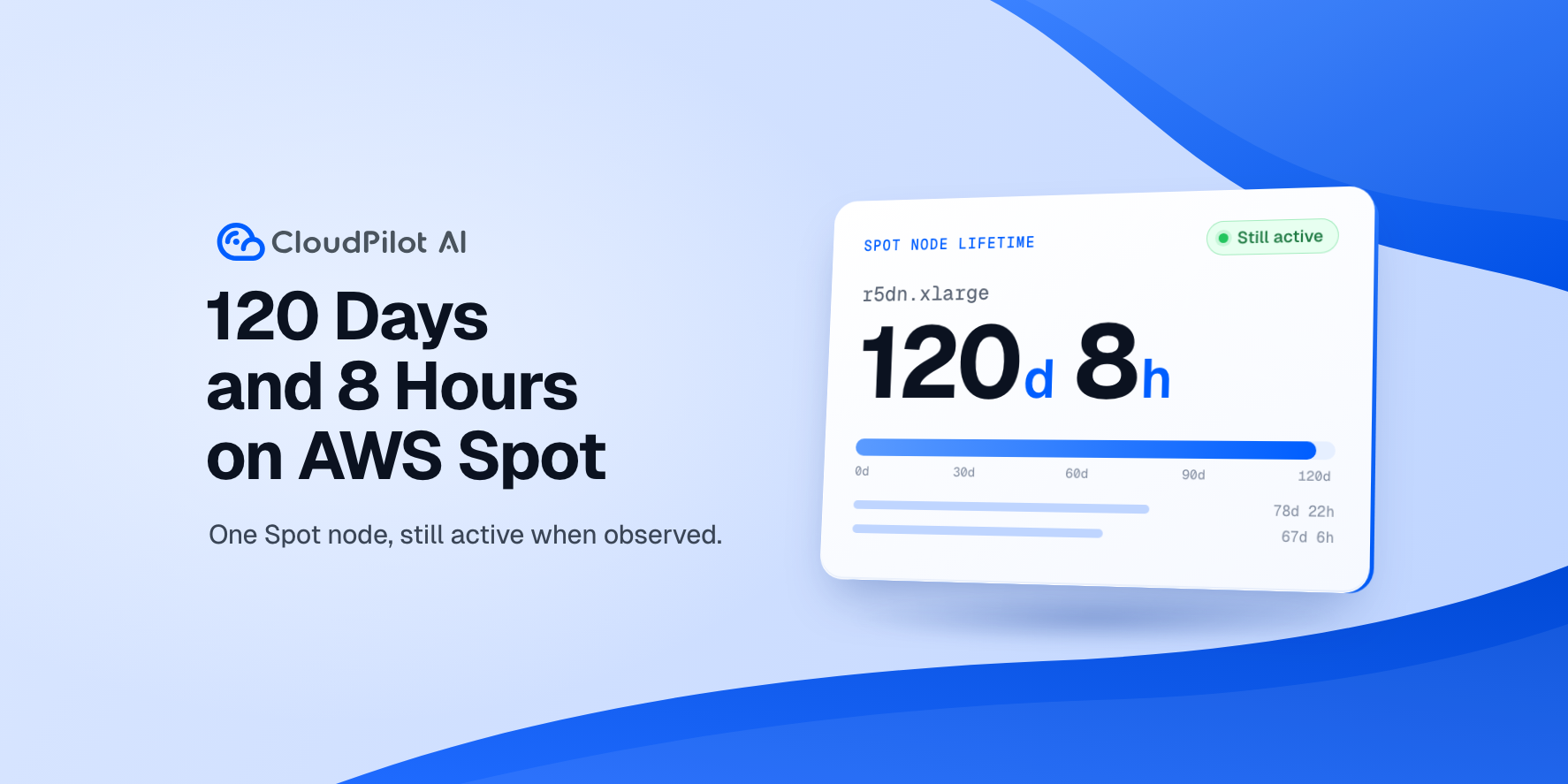
An AWS Spot node managed by CloudPilot AI was still running after 120 days and 8 hours. Explore this observed example of long-lived Spot capacity; it is not a forecast or guarantee for other nodes.
An AWS Spot node observed running for 120 days
Low CPU Usage. Hidden Resource Pressure.
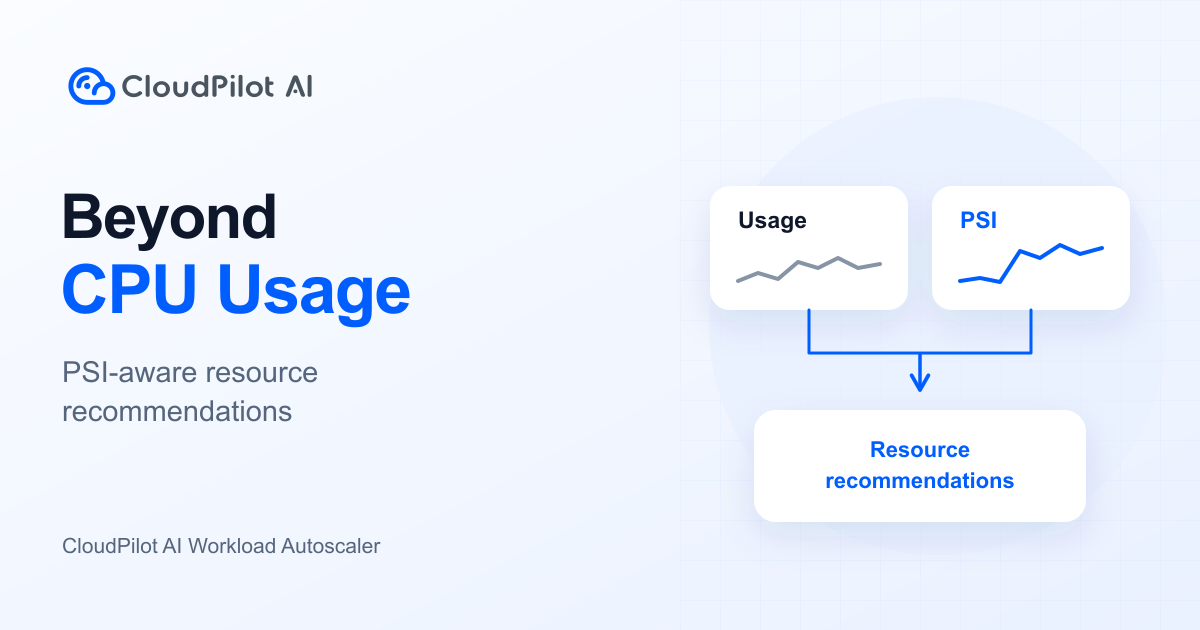
Low utilization can coexist with resource contention. See how Workload Autoscaler combines usage history, Pressure Stall Information (PSI) and resource policies to assess CPU and memory separately, using illustrative examples.
Why low CPU usage can hide resource pressure
Fargate or EC2: Which Is Cheaper for EKS?
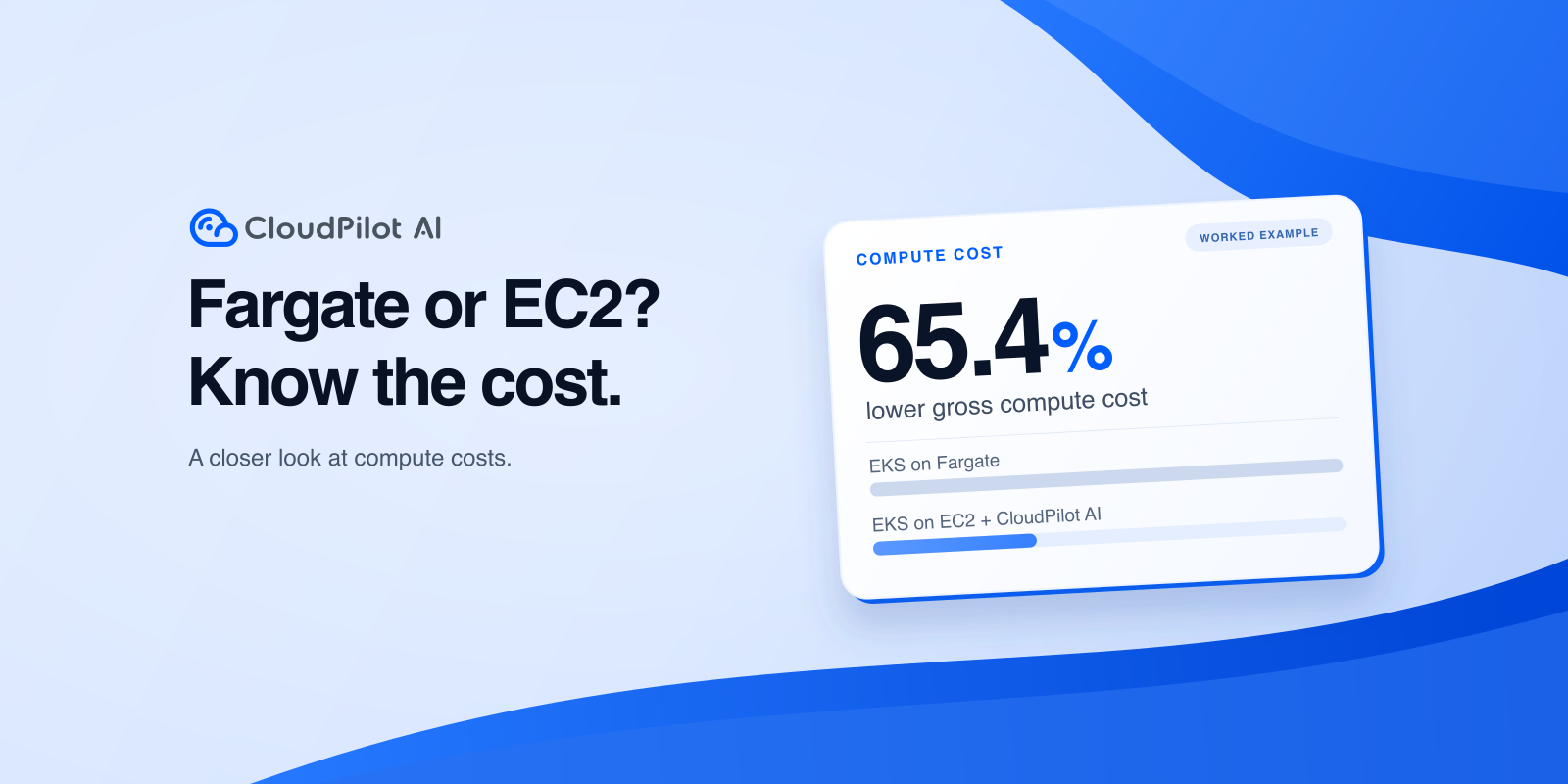
When does shared EC2 capacity cost less than Fargate? This US East Linux x86 On-Demand example explains the difference. Savings are gross, before CloudPilot AI fees and other costs; the modeled EC2 capacity assumes Pods do not all reach their limits together.
Compare EKS compute costs on Fargate and EC2
Memory Spikes: Fewer OOM Kills, with Trade-offs
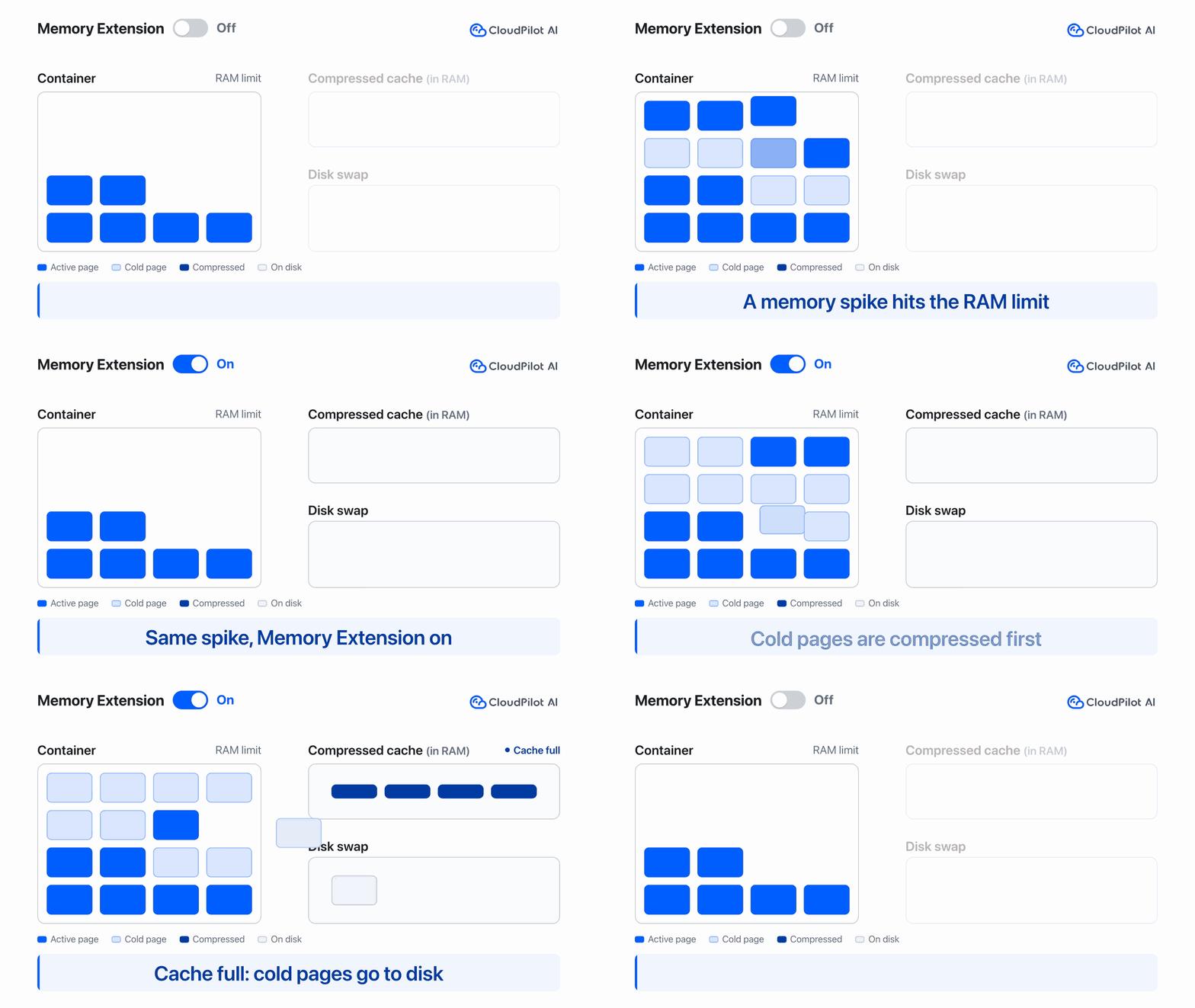
EKS tests show when Memory Extension helps absorb short memory spikes and reduce OOM kills, and when swap increases latency or failures. Supported CloudPilot AI-managed AWS AL2023 nodes need at least 4 GiB RAM; optional NRI also requires a compatible runtime, EKS 1.34+ and Linux amd64.
Supported environments and configuration · Memory Extension tests: OOM protection and latency trade-offs
Related articles

CloudPilot AI Newsletter · October 2026
Memory Extension for supported EKS nodes, finer JVM controls, clearer cost visibility, customer stories, and more ways to subscribe through cloud marketplaces.
CloudPilot AIOct 22, 20265 minAWS Fargate vs EC2 for EKS: Which Is Cheaper?
Compare EKS on Fargate and EC2 billing, CPU requests and limits, and a worked cost example to decide whether EKS + CloudPilot AI fits your services.
CloudPilot AINov 9, 20269 min120 Days and 8 Hours on AWS Spot
Long-lived AWS Spot capacity can mean fewer node replacements and less operational disruption. See how CloudPilot AI approaches ongoing compute optimization.
CloudPilot AINov 4, 20261 minThe Kubernetes Autoscaling Brief
Once a month: what we see in the Spot market, one real cluster torn down, and what shipped.
No spam. Unsubscribe anytime.